
 Français
 Español
 Português
 Deutsch
Office floor plan
How to make an office floor plan?
With the ArchiFacile application you can draw an office floor plan online quickly. Start by drawing the walls of the premises, add the doors and windows, then place your desks.
Draw the office layout
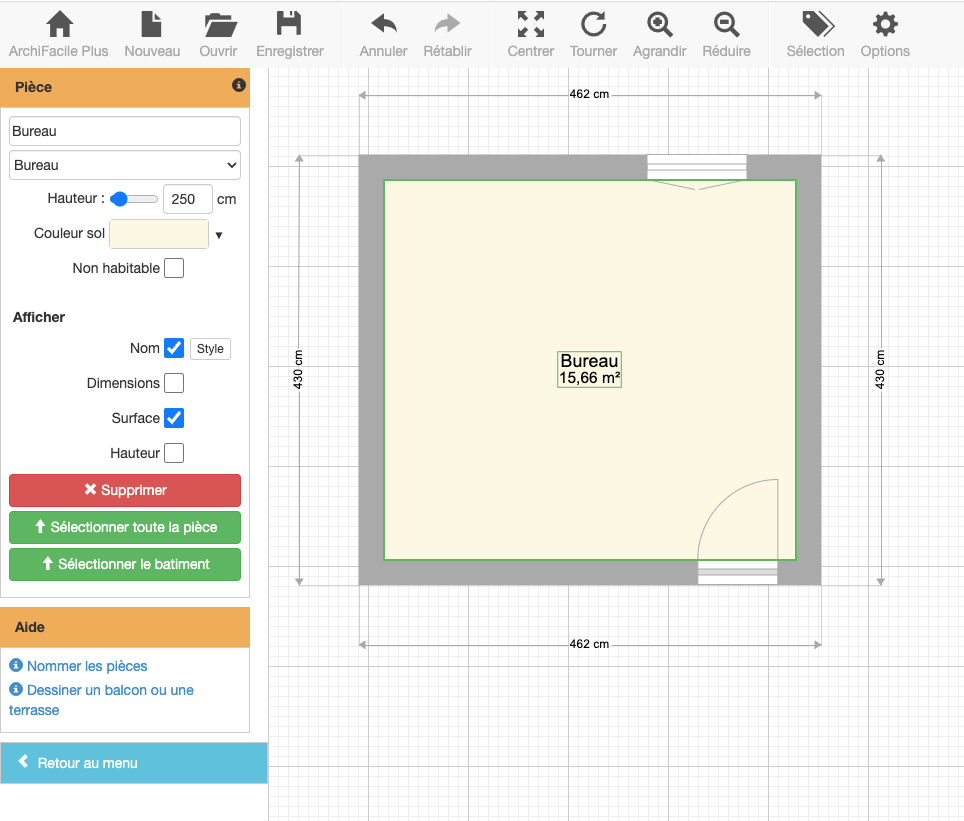
Start a new plan and draw the rooms with the room tool or the wall tool. Add the doors and windows. You can name the created room by selecting it and changing its name in the left menu. Also display its area.
Add the desk and furniture
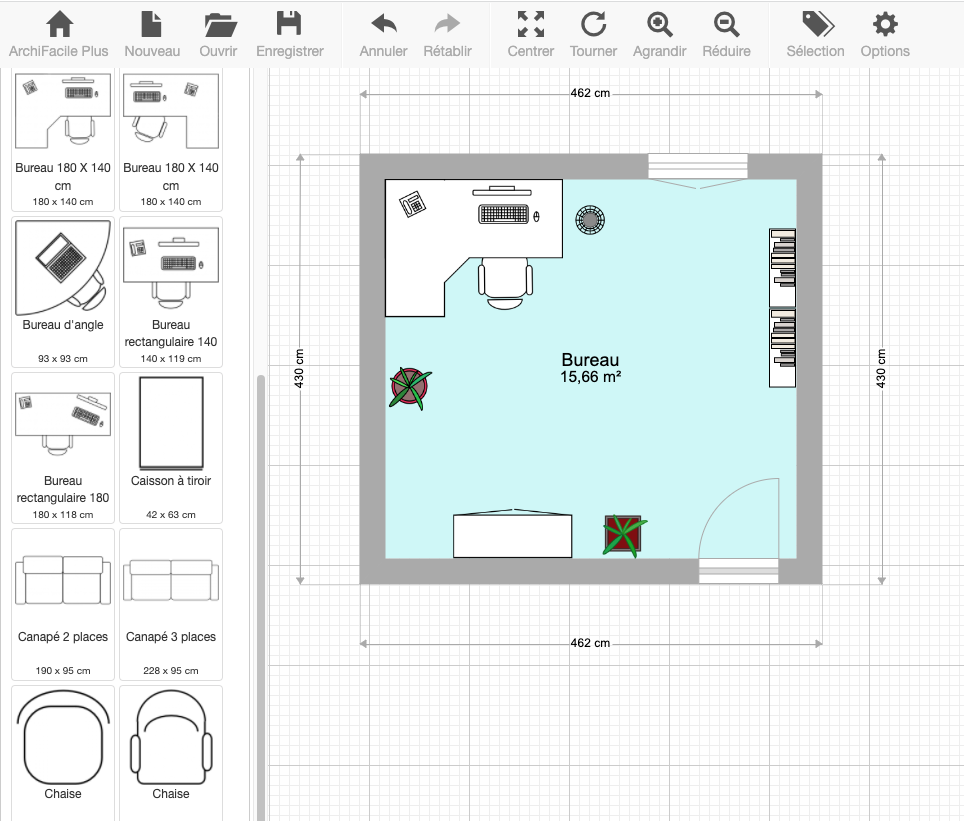
Choose the desk suited to the room and drag it onto the plan. Add storage cabinets and office furniture. You have a wide choice of desks, cabinets, and chairs. You also have meeting tables for large offices.
Create office floor plans
You can easily duplicate your office to create an office floor plan. To do this, select the created room using the selection tool available in the top menu bar.
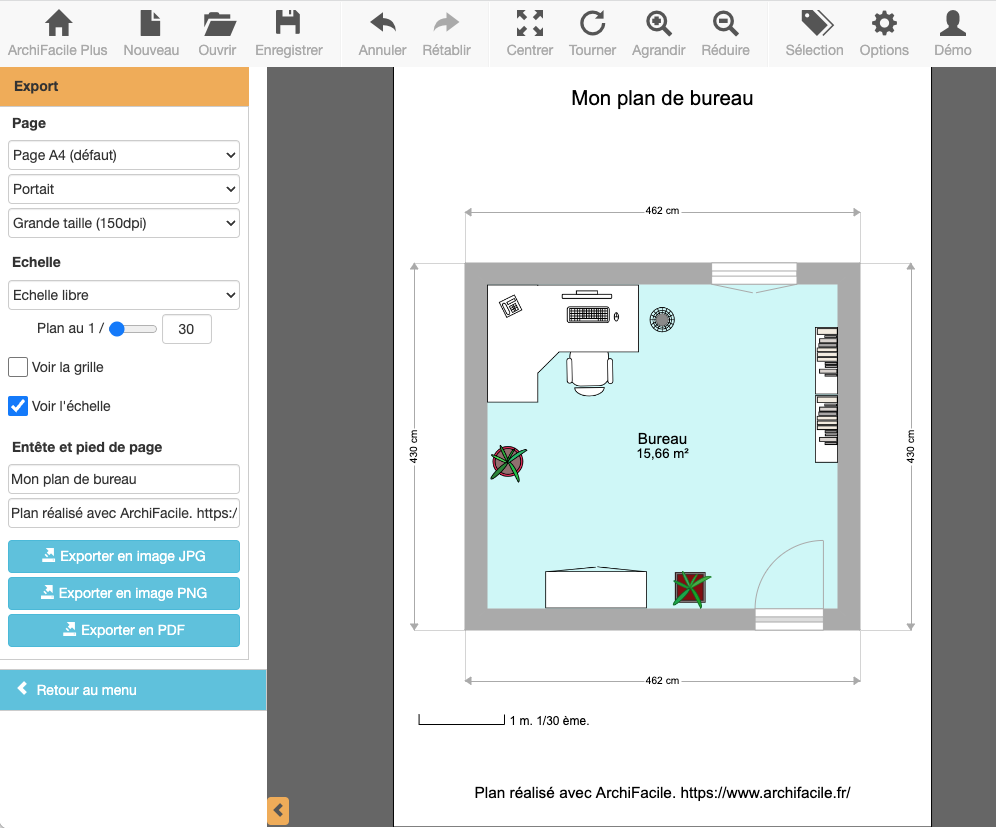
Export the office floor plan as a PDF at the desired scale.
Latest office floor plan from ArchiFacile users
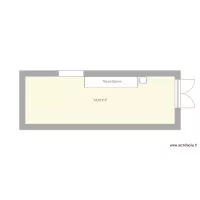
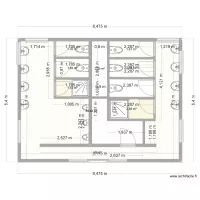
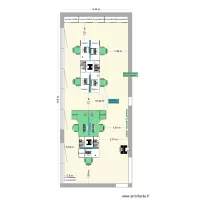
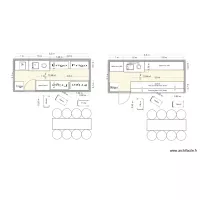
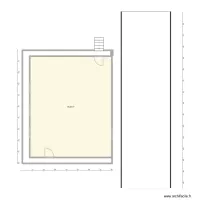


These plans are created and shared by ArchiFacile users and include the term office in their name.
You too can easily create your office floor plan.
Draw a floor plan online More information
Online, without installing any application and on PC, Mac, iPad, Android, tablet, ...