
 Français
 Español
 Português
 Deutsch
Pool floor plan
ArchiFacile allows you to create your pool project in its entirety. Complete tools allow you to forget nothing. Choose the shape of your pool, draw the essential technical elements such as water supply and electricity, arrange your garden and the surroundings of the basin. ArchiFacile has thought of everything!
Drawing your pool plan with ArchiFacile allows you to estimate costs and make your project a reality.
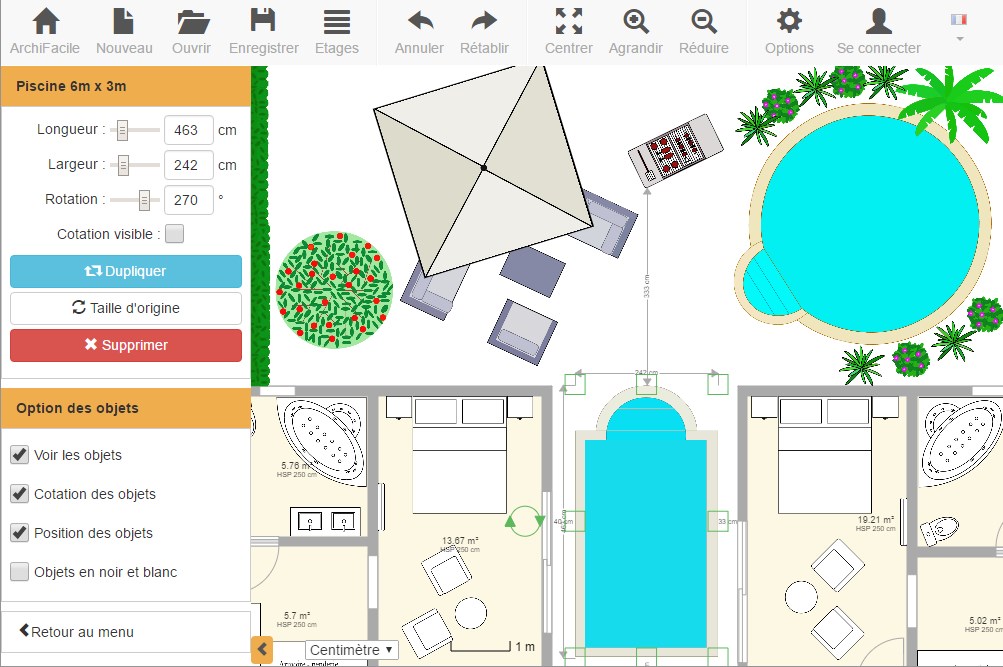
Which pool to choose?
1 - Check administrative procedures
- Consult the PLU (Local Urban Plan) of your municipality
- Check co-ownership or subdivision regulations
2 - Determine the location
- In the sun, to gain a few degrees
- Away from trees to avoid falling leaves
- According to the slope of the terrain
- Respect property boundaries
3 - Choose the shape
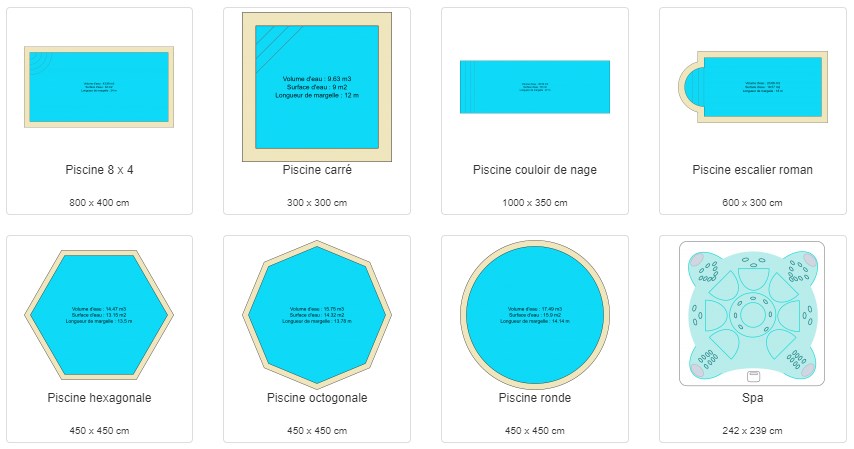
- Shell pool: Faster to install, easy to maintain, many original models.
- Concrete pool: Custom pool without size or shape limits. Choose the coating: liner, paint, tiles.
- Above-ground pool: Less expensive, easy to install and maintain.
- Indoor pool: To enjoy all year round.
How to make a pool plan?
1 - Draw the plan of your house and land
Draw a precise plan of your land or import a site plan, cadastral plan or photo as a basis.
2 - Choose your pool from our models
Resize and customize: choose the liner color, stairs type and add it to the plan.
3 - Add coping to your pool
Choose the color and width of the coping.
4 - Create the water supply
With the plumbing plan tool, plan water supply and drainage. Add an outdoor shower and automatic irrigation for your lawn.
5 - Plan the electrical supply
Plan pool lighting, technical room power supply and pool heating with the electrical plan tool.
6 - Draw your pool house or technical room
Essential for storing the pump and all equipment necessary for the pool.
7 - Arrange the surroundings
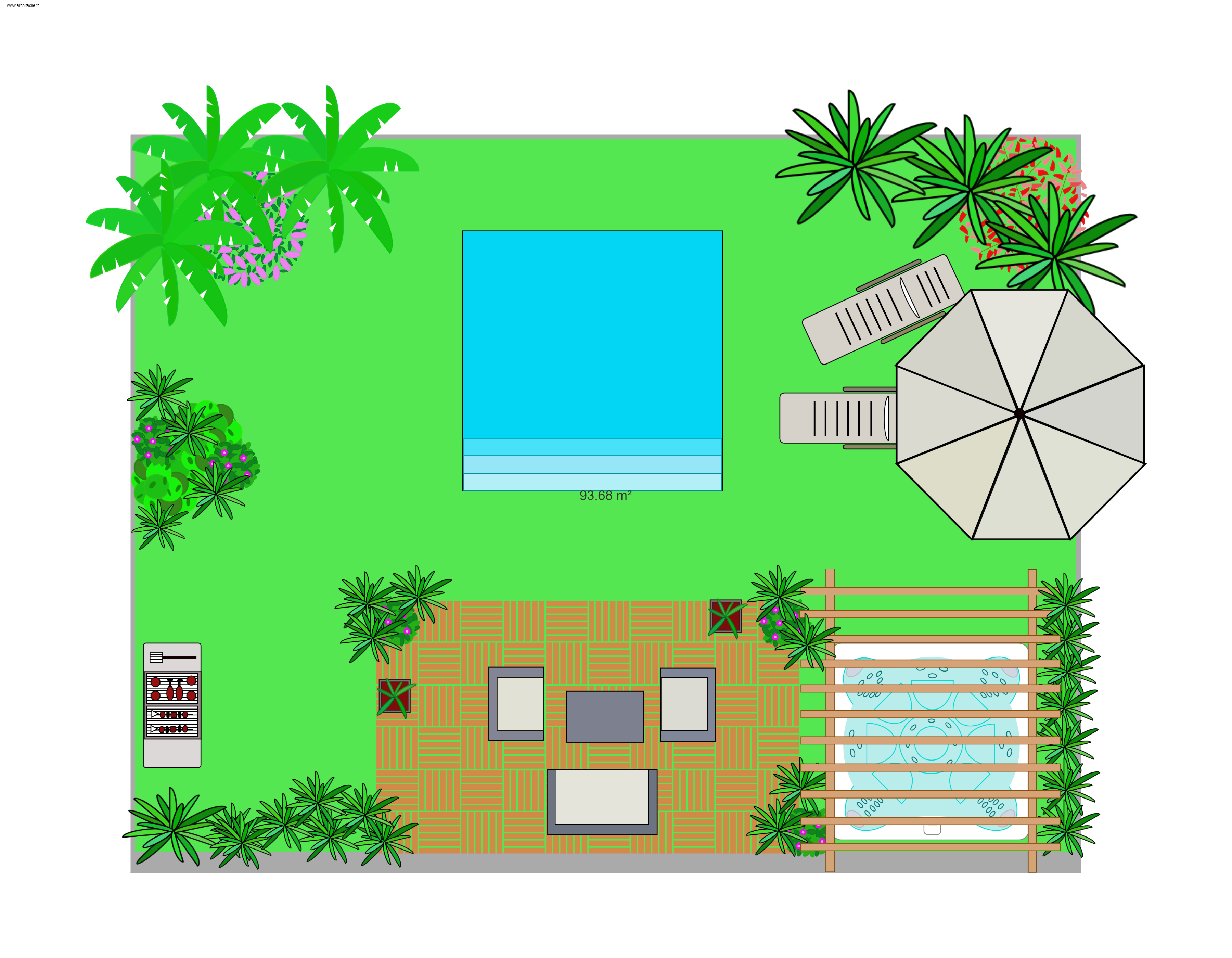
Use the object library: create a terrace, place lounge chairs, parasols, garden furniture or plants.
8 - View your pool in 3D
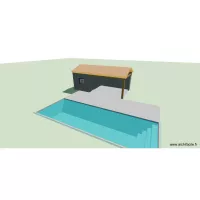
Switch to the 3D view to see your pool as a volume, with its steps, water surface and coping, and turn around it to judge how it sits on your land.
See your pool in 3D
A pool plan is not limited to the top view: the 3D button, at the top right of the plan, shows your project as a volume.
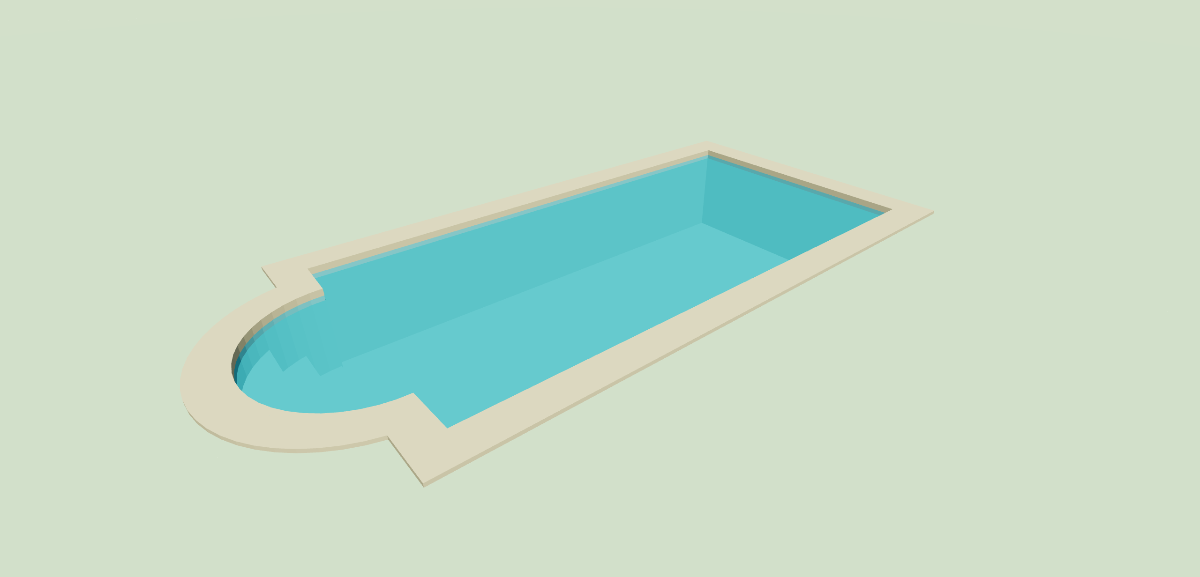
- The pool is dug into the ground, at the depth you entered
- The steps are drawn one by one: Roman, double Roman, circular, straight or corner
- The water takes the color you chose and lets you see the bottom of the pool
- The coping runs all around the pool, at the width and color you set
Every pool shape is covered: rectangular, round, hexagonal and octagonal. Any change made on the plan is carried over to the 3D view: change the depth, the coping width or the type of steps, and the pool is updated.
Add the terrace, the sun loungers, the garden furniture and the plants around the pool: the 3D view lets you judge how your pool will sit in the garden before the first spade goes in.
Pool building regulations
Consult: the PLU (Local Urban Plan), your town hall, and co-ownership regulations. Regulations differ in protected areas. Safety equipment is mandatory.
Masonry pools
- Under 10 m2: no authorization required
- 10-100 m2: declaration required
- Over 100 m2: building permit required
Masonry pools with shelter
- Under 10 m2: no authorization
- 10-100 m2, shelter under 1.80 m: declaration required
- 10-100 m2, shelter over 1.80 m: building permit required
- Over 100 m2: building permit required
Above-ground pools
- Under 10 m2: no authorization
- 10-100 m2: declaration required
- Over 100 m2: building permit required
Indoor pools
Consult the PLU and your town hall.
Did you know: Building a pool can increase local taxes
Site plan and cross-section for a pool
Import a cadastral map for the site plan. Draw your pool from above using the Exterior -> Pool menu. Use the Free-form tool for special shapes. Add dimensions for plot size, pool dimensions and distances from boundaries. The cross-section can be drawn with the Line tool.
A pool plan with ArchiFacile is useful for
- Positioning your pool in the garden
- Choosing the size and type of pool
- Checking building regulations
- Respecting boundary distances
- Calculating pool volume and maintenance cost
- Planning technical installations
- Seeing your pool in 3D before building it
- Providing the building permit plan
- Creating a beautiful pool plan :)
ArchiFacile is available on all devices: PC and Mac, tablet, smartphone.
Latest free pool floor plan - archifacile from ArchiFacile users
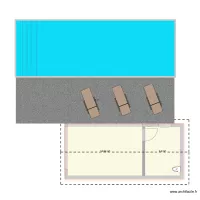
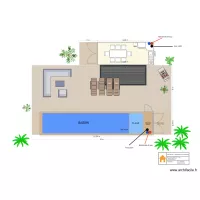
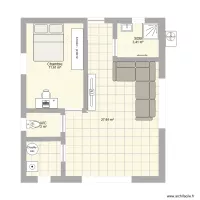
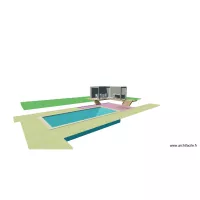
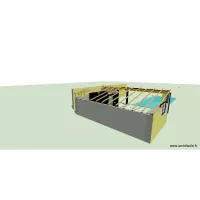
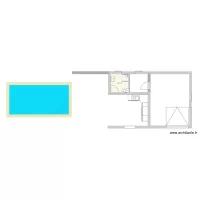
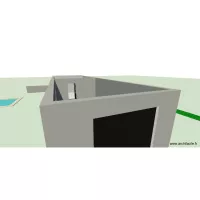
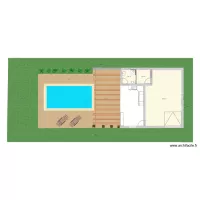
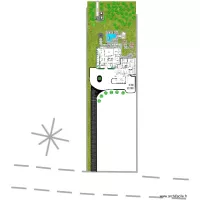
These plans are created and shared by ArchiFacile users and include the term pool in their name.
You too can easily create your free pool floor plan - archifacile.
Draw a floor plan online More information
Online, without installing any application and on PC, Mac, iPad, Android, tablet, ...