
 Français
 Español
 Português
 Deutsch
Facade plan
There are two ways to represent the facades of your house in ArchiFacile: the Facade view, which generates the elevations from your plan, and drawing a facade manually in 2D.
Facade view: the exact elevations of your house (ArchiFacile Plus)
The Facade view (Face button) displays your house as an architect's elevation, just like on the facade drawing of a building permit:
- Exact dimensions: parallel projection, without perspective distortion.
- 4 orientations: the view snaps to the North, South, East and West facades.
- Display styles: colors, colors + edges or black and white technical drawing.
- Adjustable ground: color, thickness and overhang of the ground, which cuts off the bottom of the walls just like on a real elevation.
Learn more about the Facade view
Manual facade
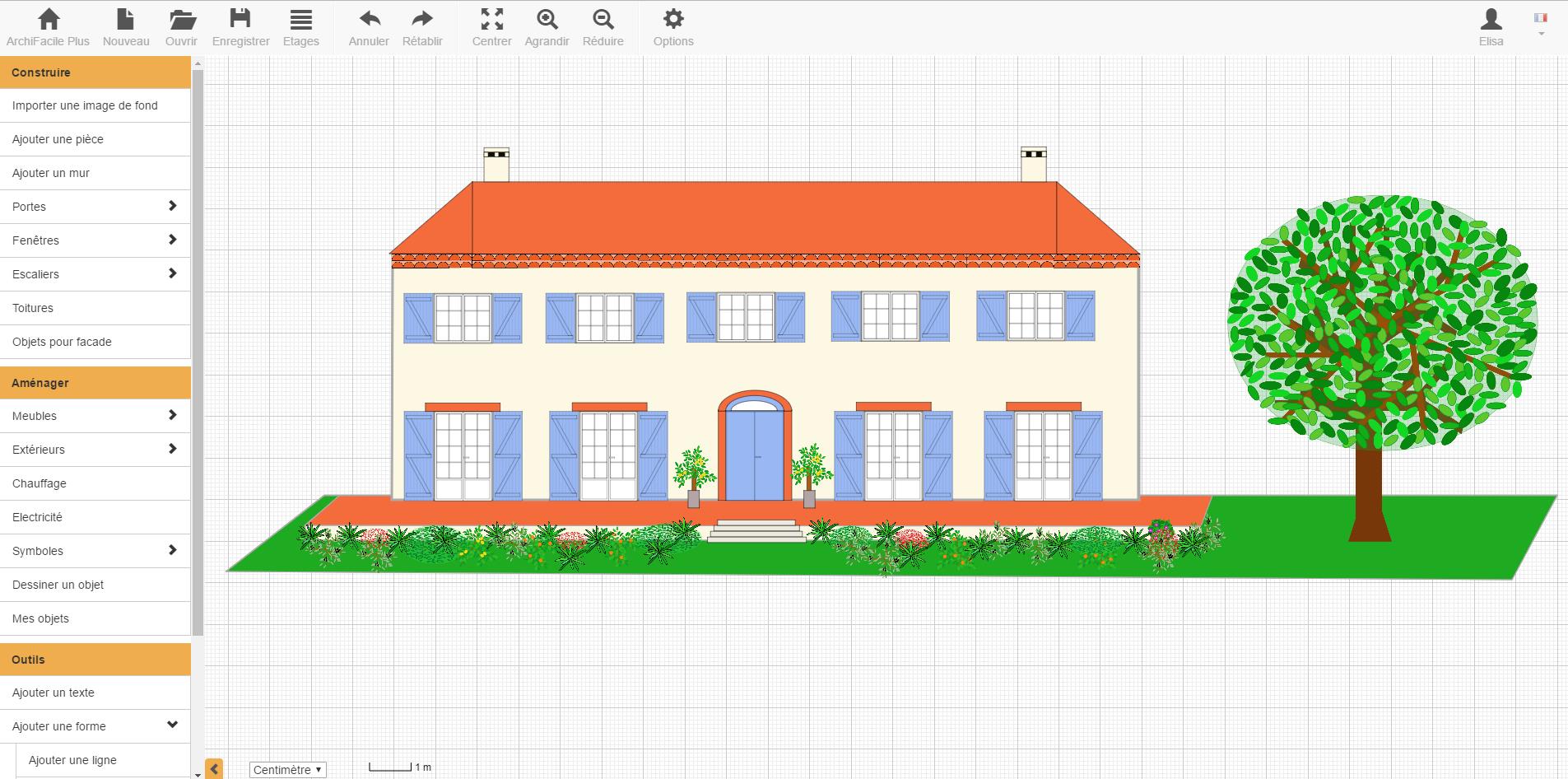
You can also draw a facade plan just like a top-down floor plan, independently of your house plan.
You have access to a library of front-view doors and windows to place on your plan. These facade elements are available if you check the Section and facade box in the options.
Use free-form shapes to add the roofing and any missing elements.
Latest facade plan with archifacile from ArchiFacile users
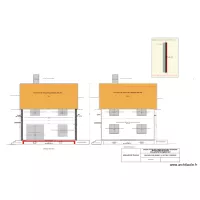
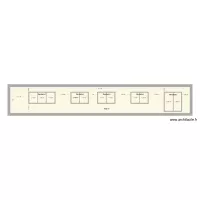
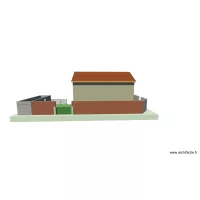
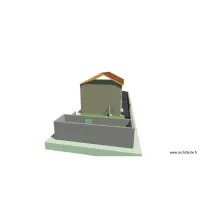
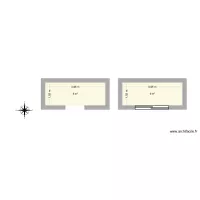
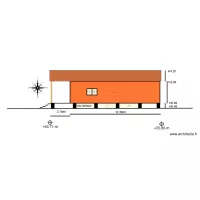
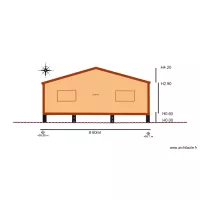
These plans are created and shared by ArchiFacile users and include the term facade in their name. There are more than 1000 plans whose name contains the word facade.
You too can easily create your facade plan with archifacile.
Draw a floor plan online More information
Online, without installing any application and on PC, Mac, iPad, Android, tablet, ...