
 Français
 Português
 Deutsch
 Español
Latest house plans made with ArchiFacile
How to make a plan?
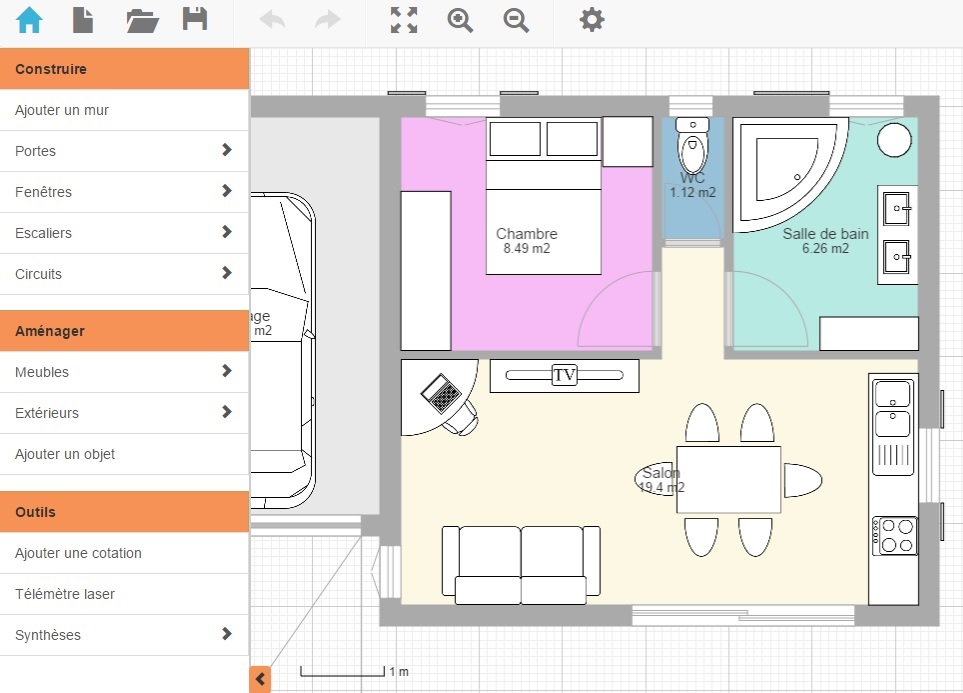
Building a house plan is done in several steps. You are the architect of your plan. First, you draw walls to create each room such as the kitchen, the living room, the bathroom and the bedrooms. You can also convert the attic or calculate areas to paint your walls. Then you add openings: doors, windows and shutters. You can choose the opening direction of doors and shutters. Finally, you can furnish your house with objects and furniture, and draw the electrical plan of your installation. When the plan is finished, you can download your plan in PDF format to print it or send it to your friends.
Draw your house plan
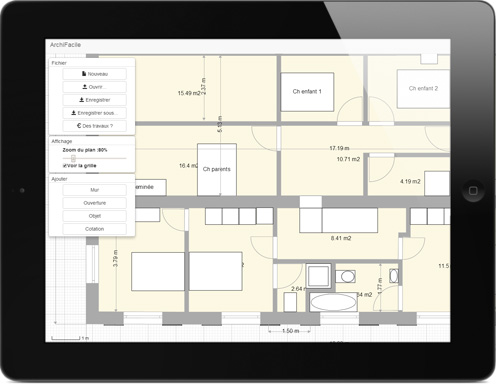
Start your plan on computer, continue it on your tablet and finalize it on a Mac. Anything is possible!
ArchiFacile allows you to draw your plan on PC Windows, Mac, Linux or on iPad, Android and Windows tablets.
Use the 100% online application.
Add doors, windows and stairs
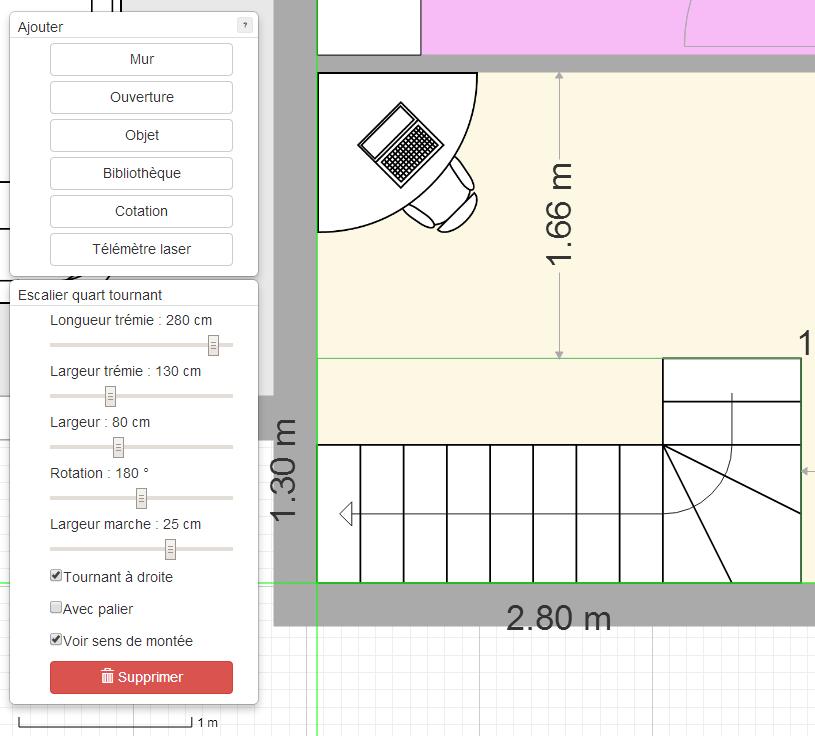
You can choose the type of opening as well as the width, opening direction and glazing type of your doors and windows.
Add single or double shutters.
Place your customizable stairs: define the step width and stairwell size.
Add furniture and objects
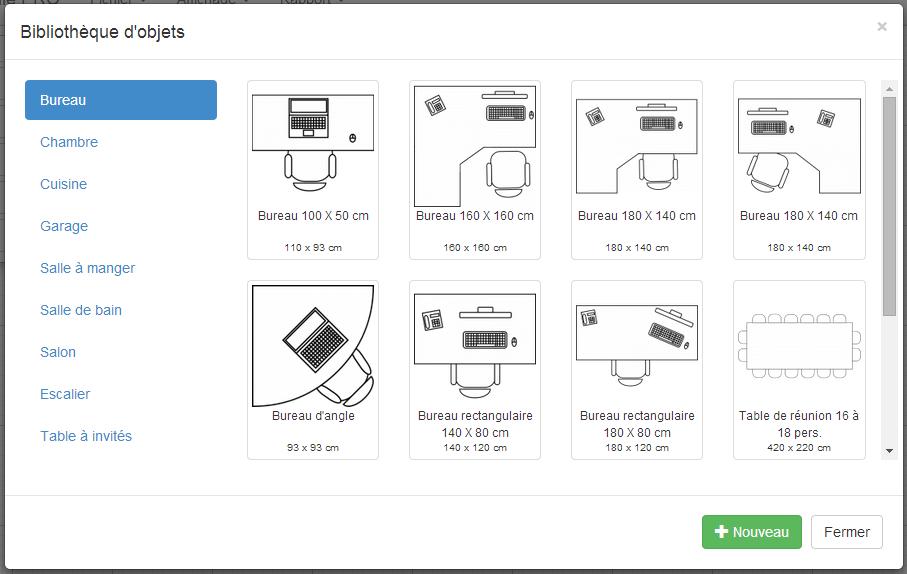
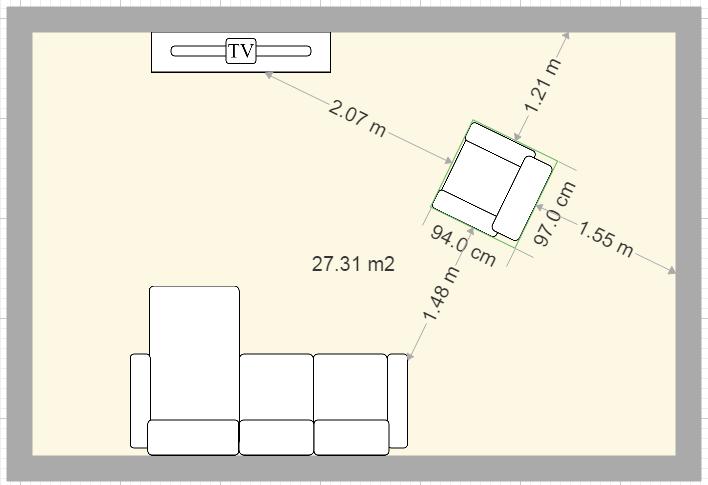
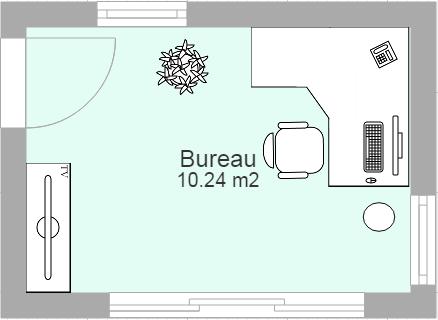
With the object library, furnish your house. Add tables, sofas, bathtubs, kitchen elements, cars, desks, etc.
Add simple objects (square, triangle, circle, etc.) to simulate furniture placement or add information to your plan.
See the object library.
Place dimensions freely
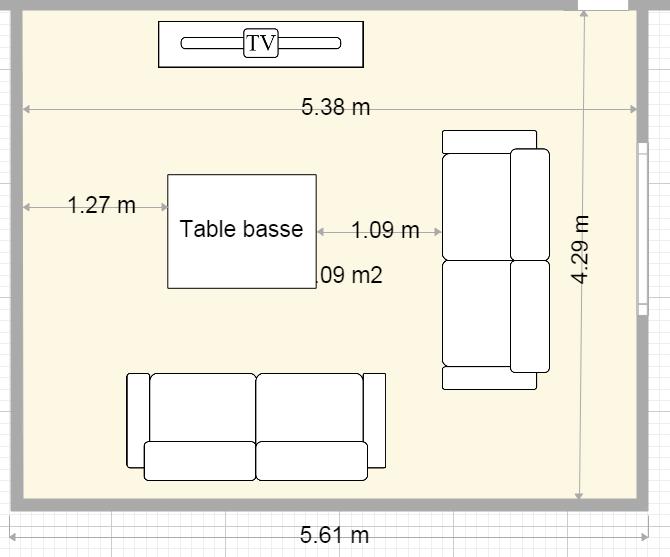
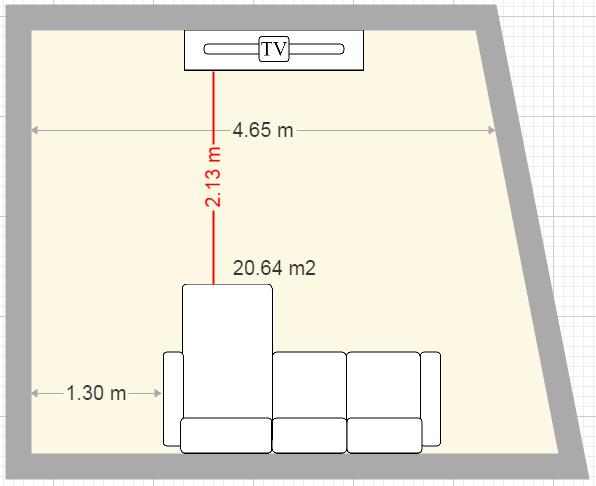
You are free to place dimensions wherever you want.
The laser measure helps you take measurements and quickly place dimensions.
Share and export plans
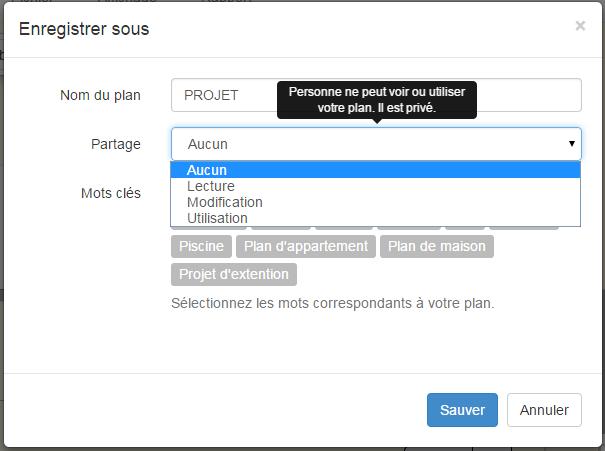
Share your plan with the community or reuse the most beautiful plans.
Save your plan as an image and share it easily.
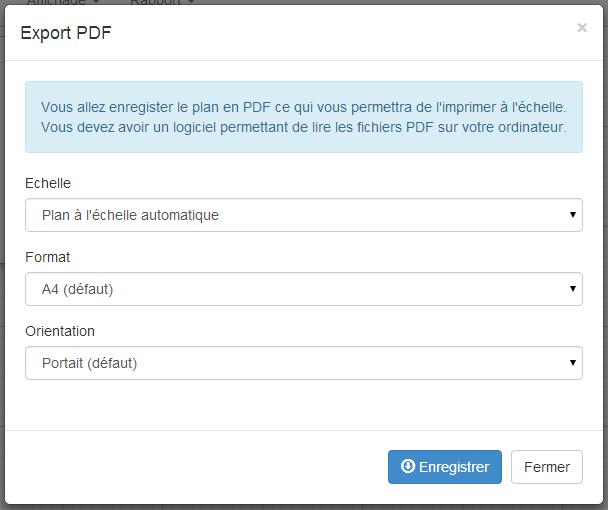
Export your plan to PDF to print it to scale.
Tools to help you
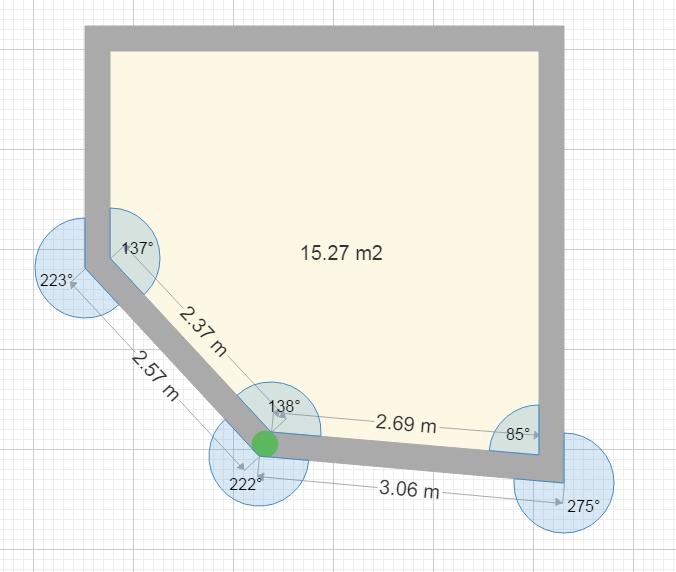
Wall angle when they are not straight.
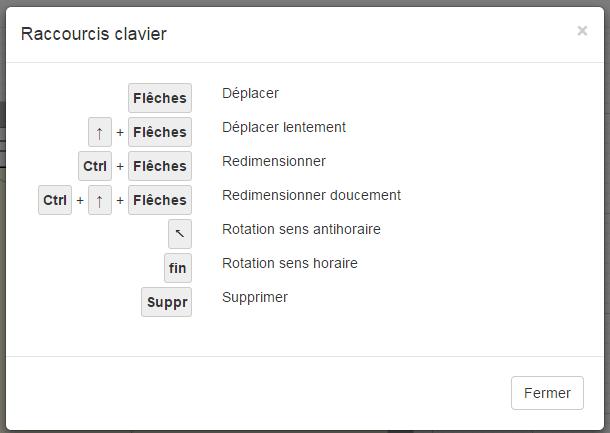
Many keyboard shortcuts (center a window, etc.).
Distance indication between furniture and walls when you move them.
And much more!
Latest architects connected
TallyHall, felyc, Niflheim, Andreilu10, JoelleGould, marcelocagliolo, Cehegin, oculo, conz, AnamSidhu, ArthurFernandes, L3L, saldana, blabla234, Mariona Comalada, Antonella y Mireia, gh0styangs, Tintindenden, abdulkarimalzahrani, CarolineDoyle, emyyyy3c, FilipeBrenha, Souwyy, Lucas155, BrooklynCormier, KonstantinosGatsinos, Victorsaes, kirkmaster, Ashhhh, Jakob111, Shutlingsloe, SuryakantAdhate, MarcMongin, RithyVong, Kerandiou, Bella867, lisa2011000, dehenna, nh2026, gonzikcz, RoseStarless, Nosferato66, Phuthi, POB26, OPCIJA 2, Clare30, IKSocialMedia, IsuruKarunarathna, AlexRigauDuran, Vingoltc
Tell your friends!