
 Français
 Español
 Português
 Deutsch
Seating chart
Easily draw a seating chart online with ArchiFacile and visualize the placement of your guests. ArchiFacile allows you to create a visually attractive seating chart, manage guests and seat assignments, and facilitate modifications.
Why make a seating chart?
Making a seating chart is important to ensure comfort and good spirits for all guests at a formal event by dividing guests into logical groups, assigning a seat to each guest based on their relationships and special needs, creating an easy-to-understand visual layout, managing last-minute changes, and displaying or printing the seating chart for guests to easily consult.
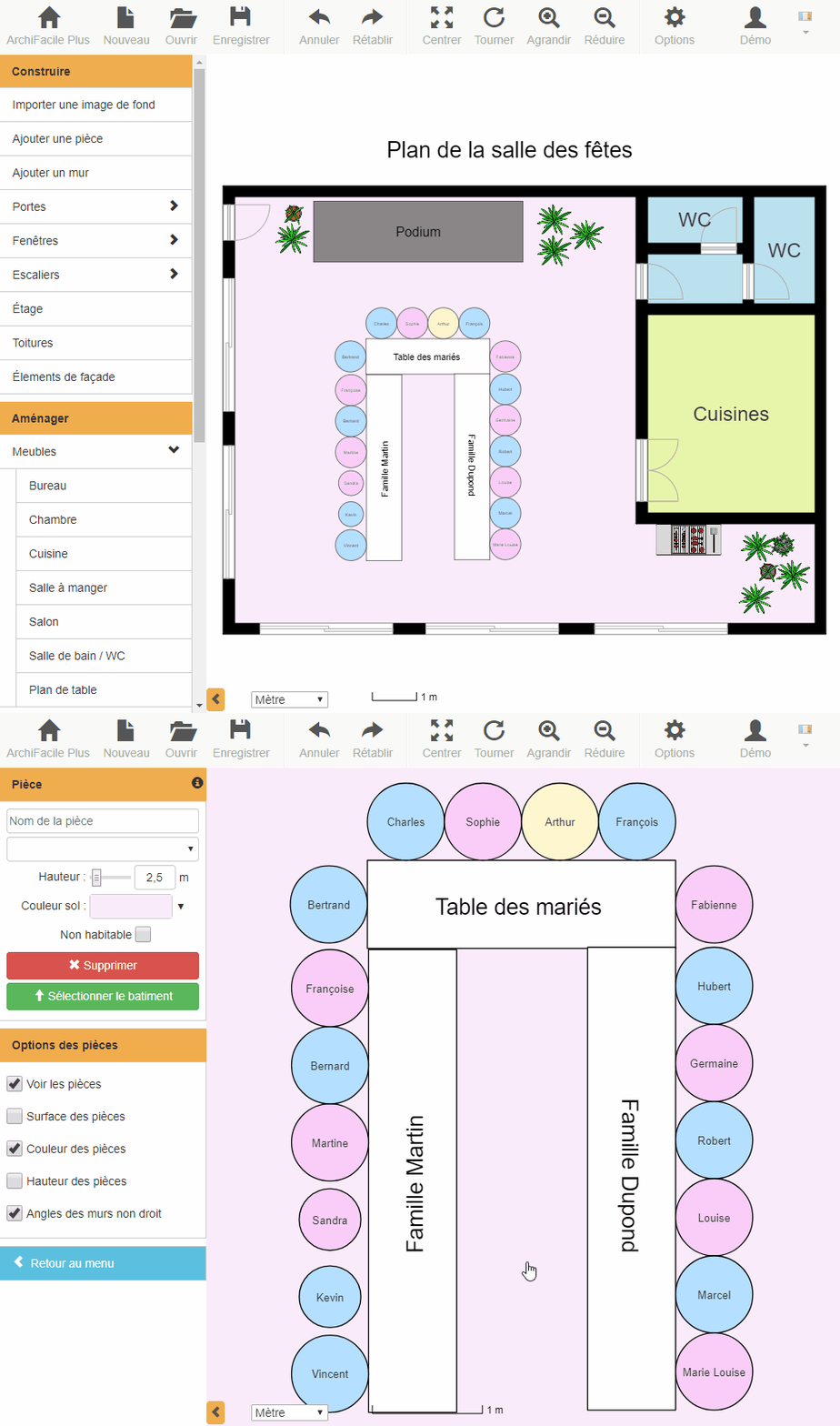
How to make a seating chart?
A seating chart is a layout that indicates where each guest should sit at a formal event like a wedding or gala. There are several steps to creating an effective seating chart:
- Determine how many tables and seats you have available to accommodate your guests.
- Divide your guests into logical groups, such as family members or close friends. This will help you avoid potential conflicts and create a friendly atmosphere.
- Assign a seat to each guest considering their relationships with other guests and their special needs (such as elderly people or children).
- Use ArchiFacile to create a visual layout of your seating chart.
- Check and modify your seating chart as last-minute modifications or changes arise.
- Print or display the seating chart in a visible place for guests upon arrival, so they know where they should sit.
Latest create a seating chart online with archifacile from ArchiFacile users
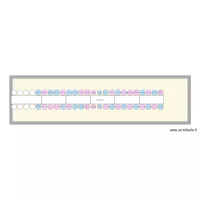
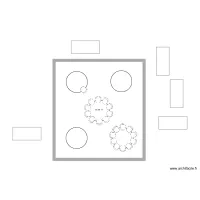
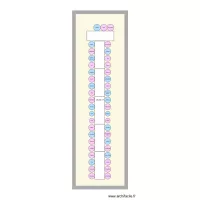
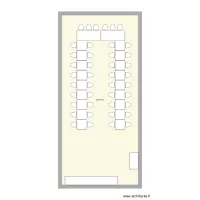
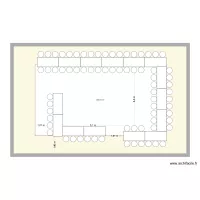
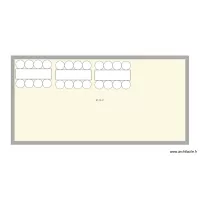
These plans are created and shared by ArchiFacile users and include the term table in their name.
Visit our partners in the home and renovation sector.
You too can easily create your create a seating chart online with archifacile.
Draw a floor plan online More information
Online, without installing any application and on PC, Mac, iPad, Android, tablet, ...